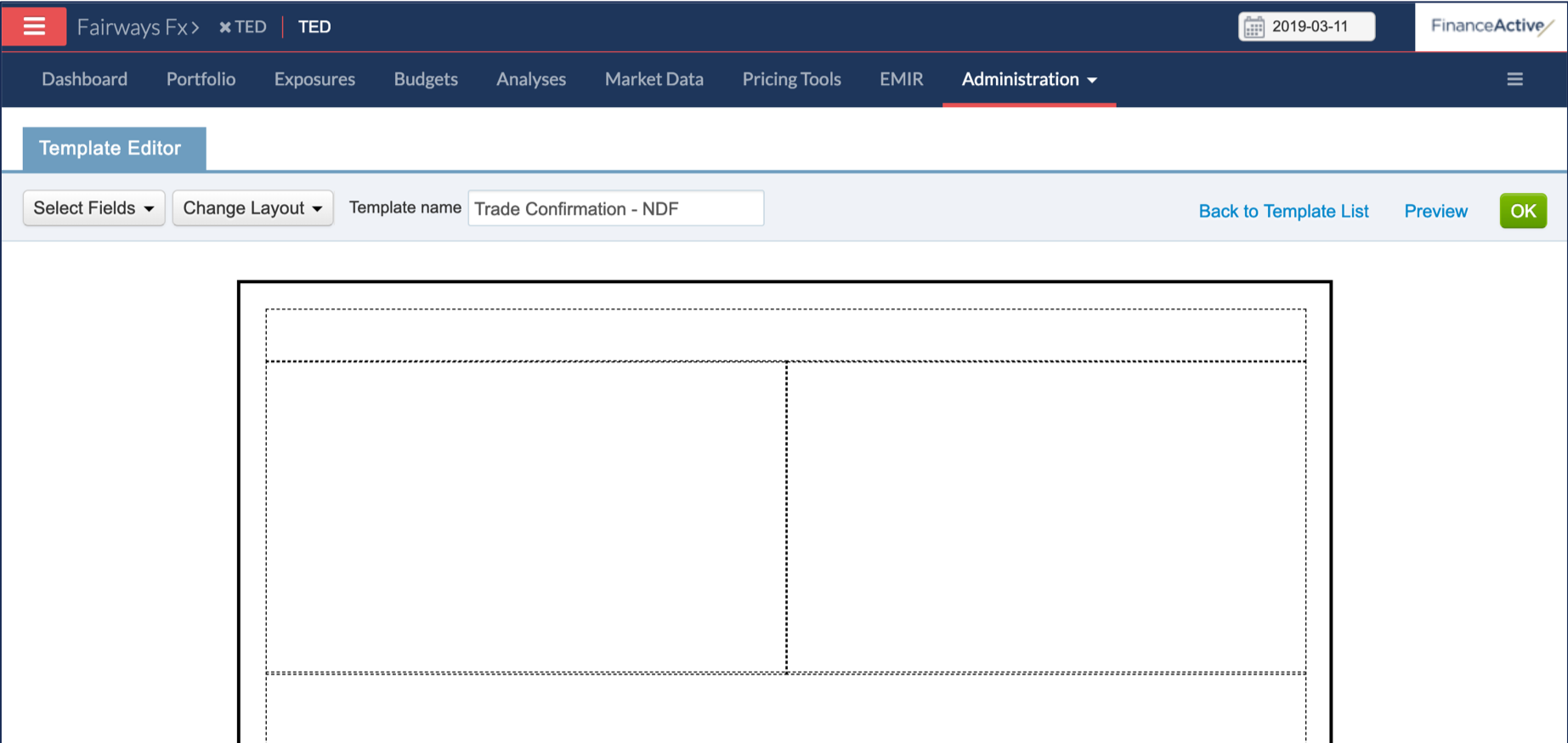
Fairways FX provides you generic templates for confirmation documents. In addition, you can also customize your own documents: the layout and the content.
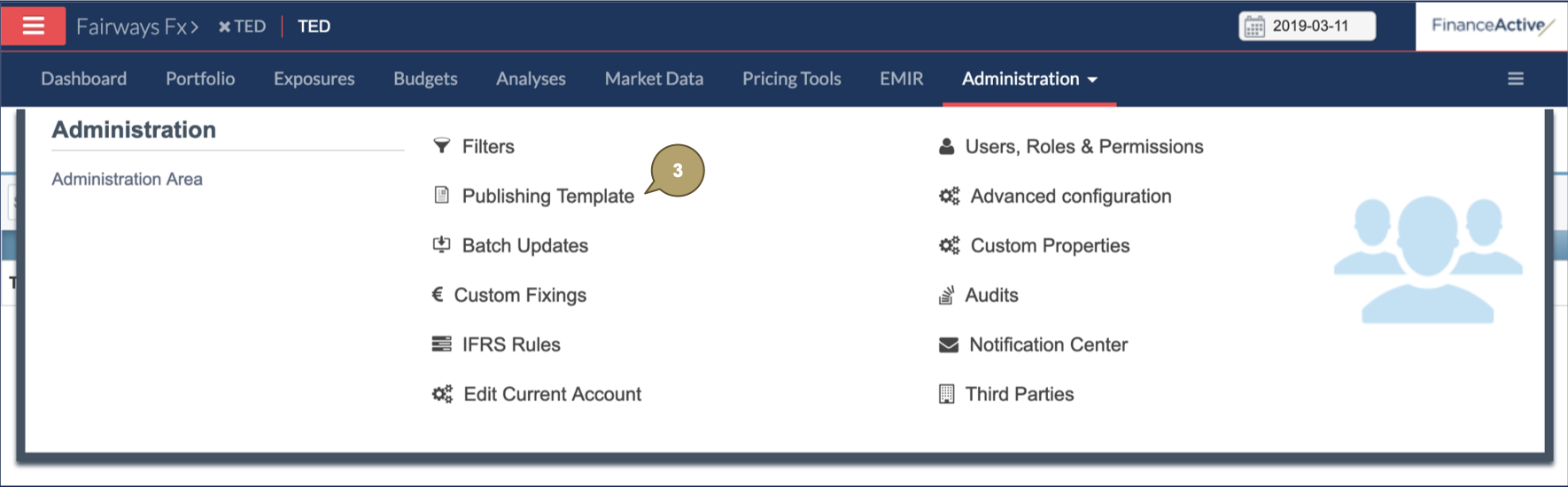
Navigate to Publishing Templates
- Log in to your Fairways Fx account.
- Select an account.
- Navigate to Administration > Publishing Templates.
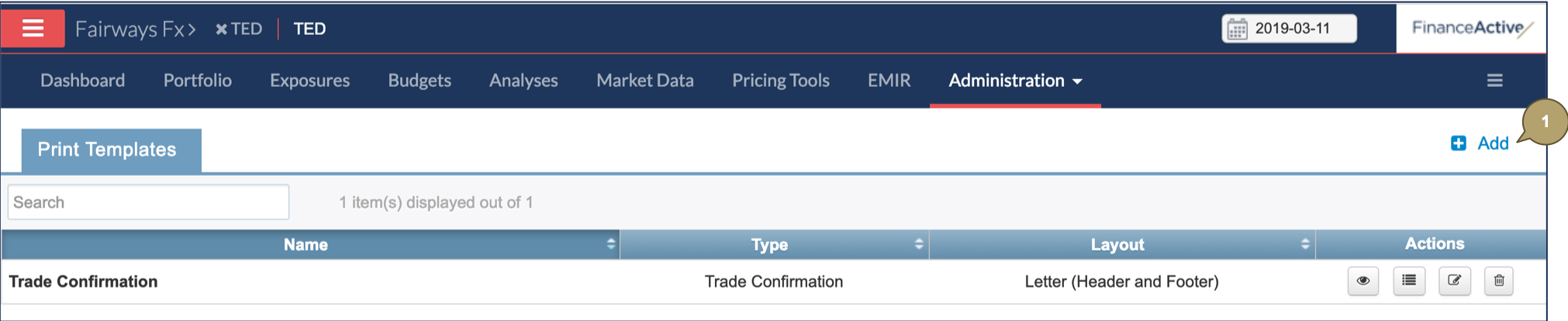
Create a Publishing Template
- Click Add.
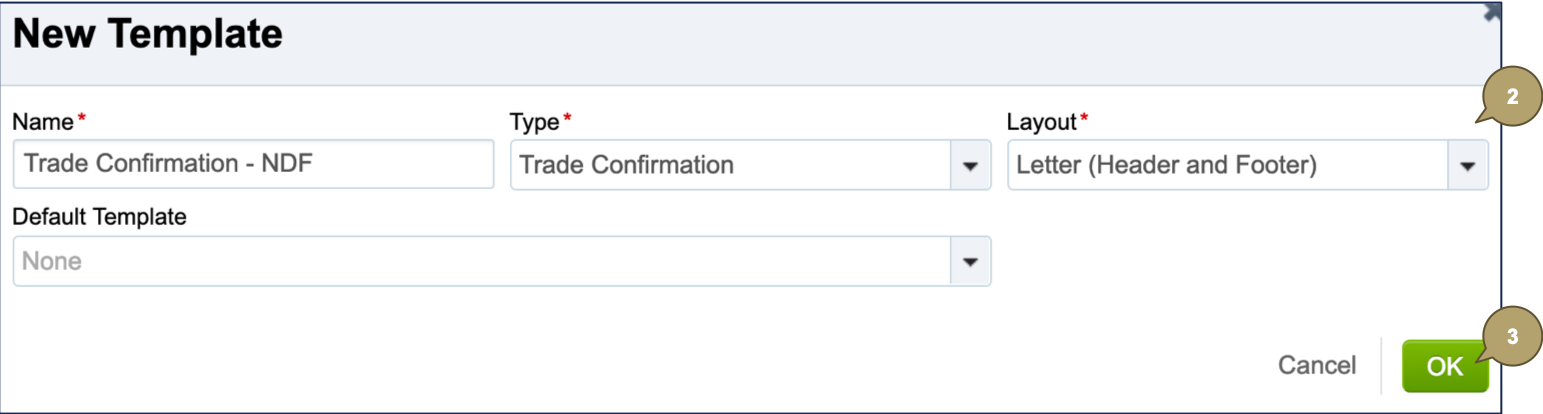
- Complete the creation form with all relevant details.
Note: Fields marked with an asterisk * are mandatory.
| Field | Description |
|---|---|
| Name | Template name. |
| Type | Template type. |
| Layout | Template layout. |
| Default Template |
To create a template:
Note: If the layouts of the new and copied templates are different, contents may be automatically removed. E.g. the copy template is a letter with a header and a footer, whereas the new template is a letter without header nor footer: the new template will not include contents in the header and footer of the copied template. |
- Click OK to create the template.
The new template displays.