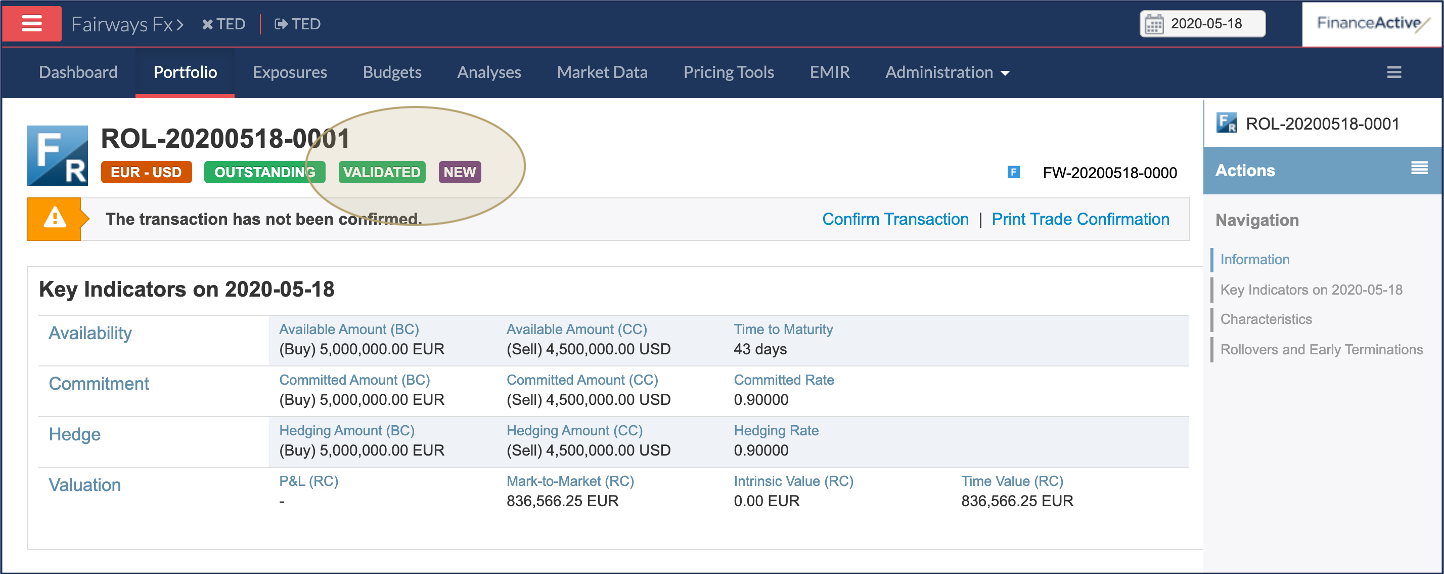
Fairways FX enables you to add a rollover to forwards, i.e. to extend their expiry dates.
Prerequisite
- Navigate to Portfolio and open an outstanding forward
 .
.
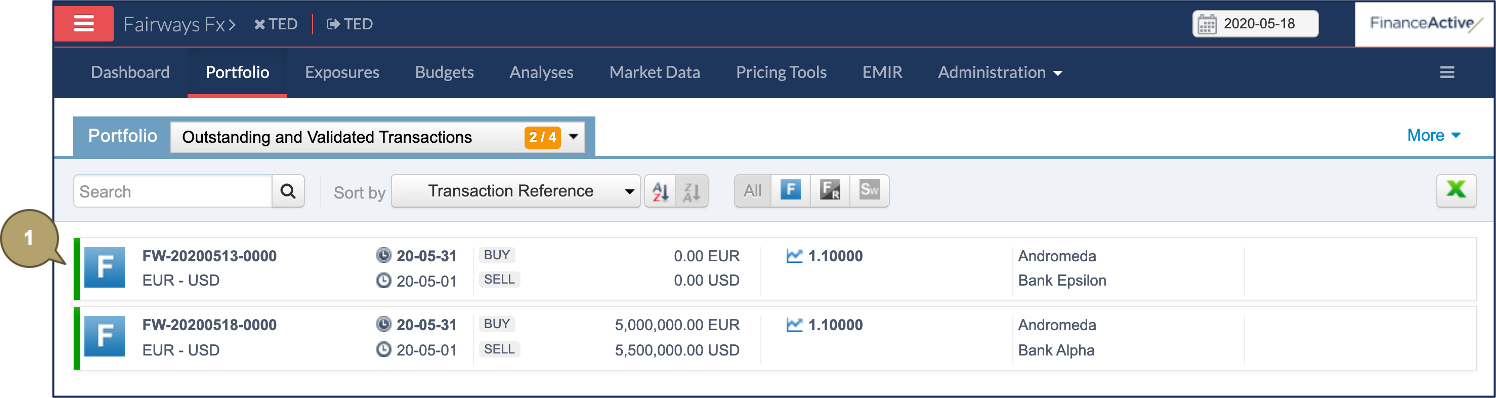
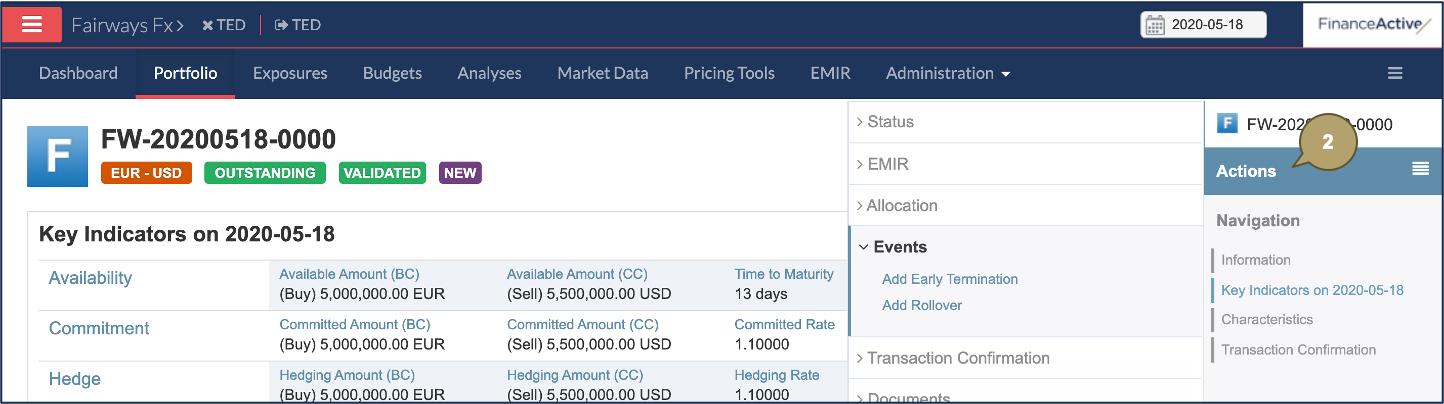
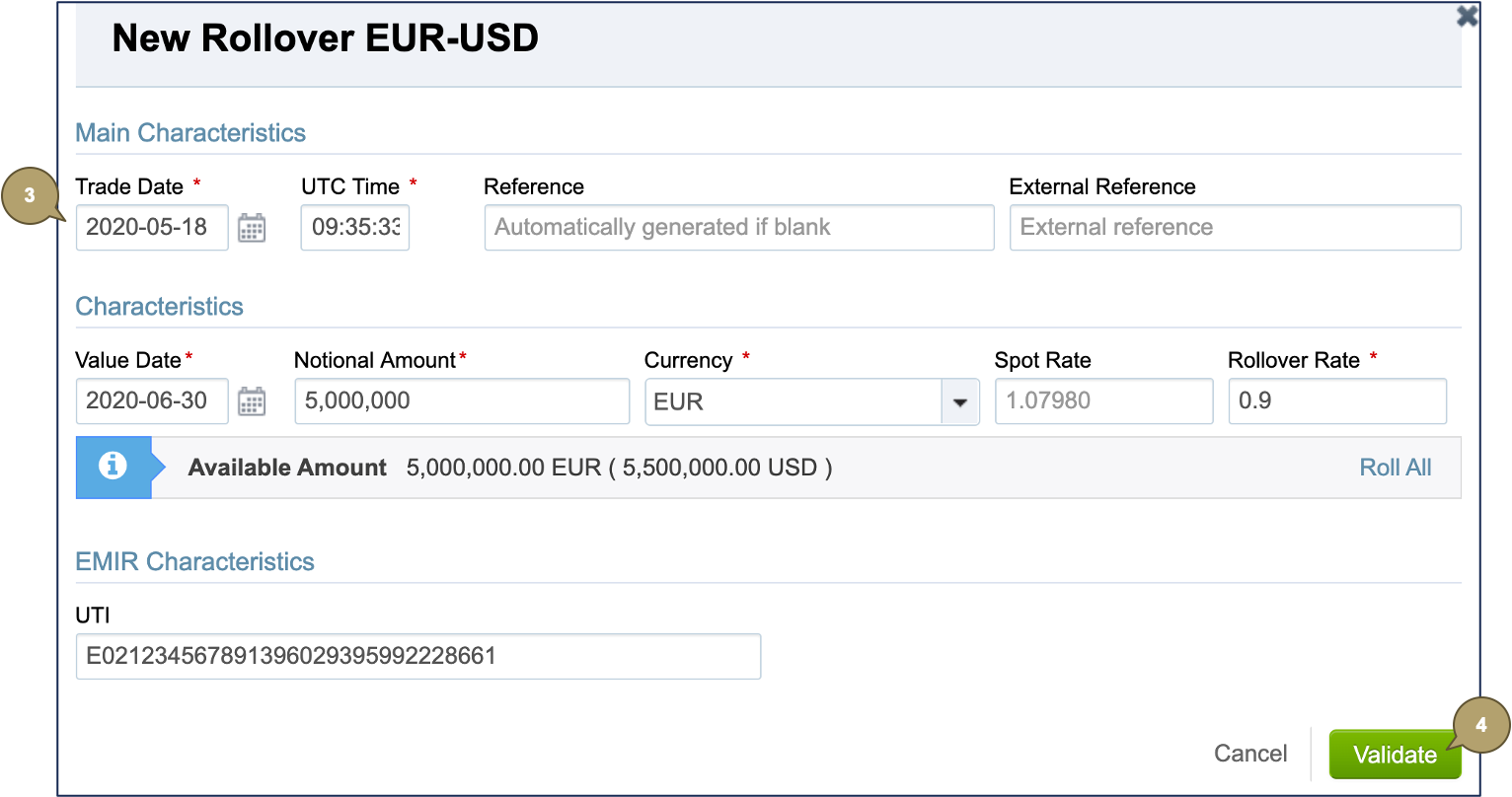
- Click Actions > Events > Add Rollover.
- Complete the form with all relevant details.
Note: Fields marked with an asterisk * are mandatory.
|
Field |
Description |
|---|---|
|
Trade Date |
Date at which the transaction has been traded. Note: The trade date must be equal or later than the initial trade date, and equal or earlier than today. |
|
UTC Time |
Time at which the transaction has been traded. |
|
Reference |
Unique reference identifying the transaction in the portfolio. |
|
External Reference |
Used by external systems to identify the transaction. Used when transactions are imported from or exported to another system. |

|
Field |
Description |
|---|---|
|
Value Date |
Expiry date of the transaction. Note: The new value date must be later than the current value date. |
|
Notional Amount |
Amount of the transaction. |
|
Currency |
Currency of the transaction. |
|
Spot Rate |
Spot rate to apply. |
|
Rollover Rate |
Rollover rate to apply. |

|
Field |
Description |
|---|---|
|
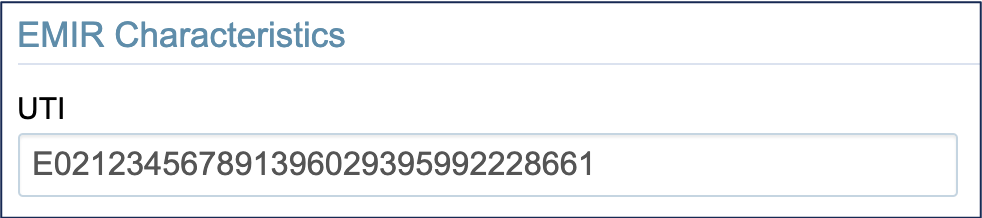
UTI |
Unique trade identifier of the transaction. |
- Click Validate.
The new roll forward displays as a draft transaction and is marked with an R  .
.
- Click Validate.
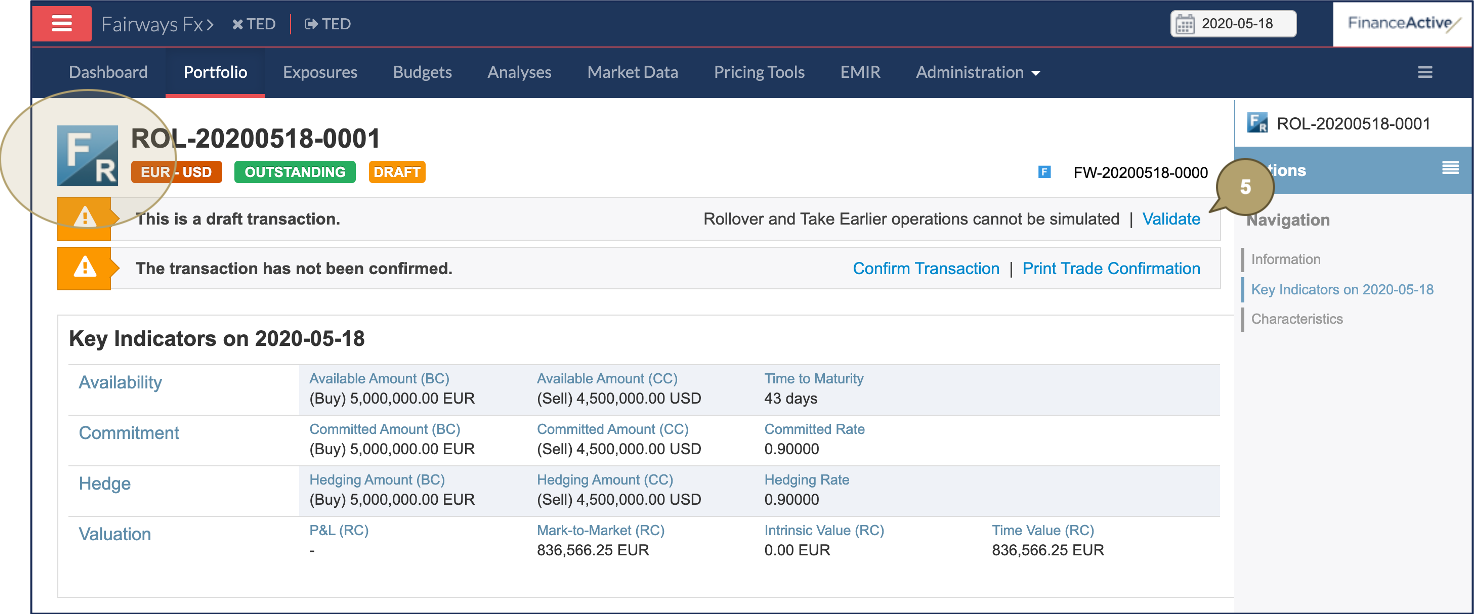
The roll forward is now validated.