An operation in Fairways Guarantees groups several issued guarantees that are part of the same project in a single line. It means you can monitor the aggregate outstanding amount and the associated fees, while adding events, e-documents, and comments. It works just like single guarantees and you can also notify other users.
Navigate to the Operations Section
- Log in to your Fairways Guarantees account.
- Select a customer account.
- Navigate to Operations.

Create an Operation
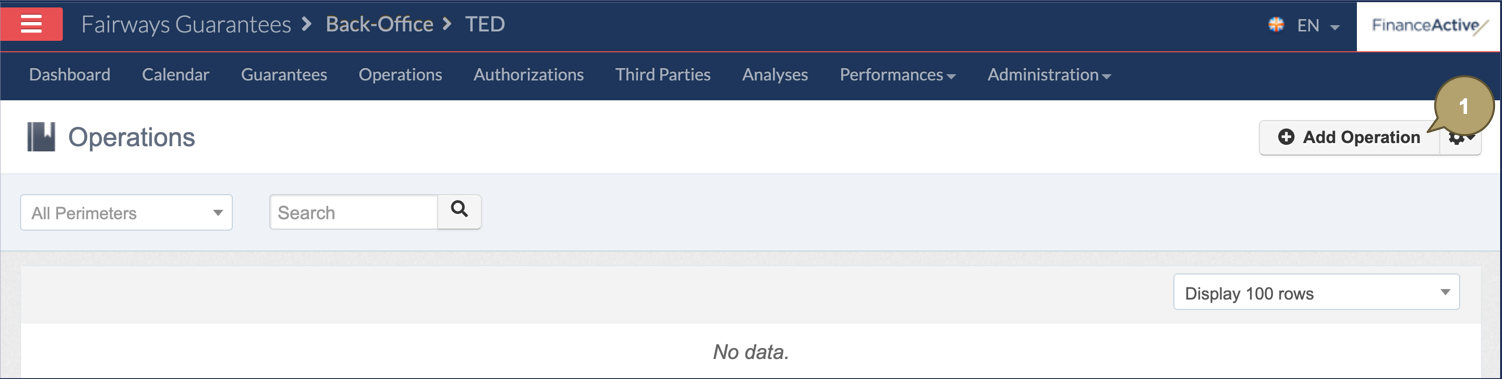
- Click Add Operation.
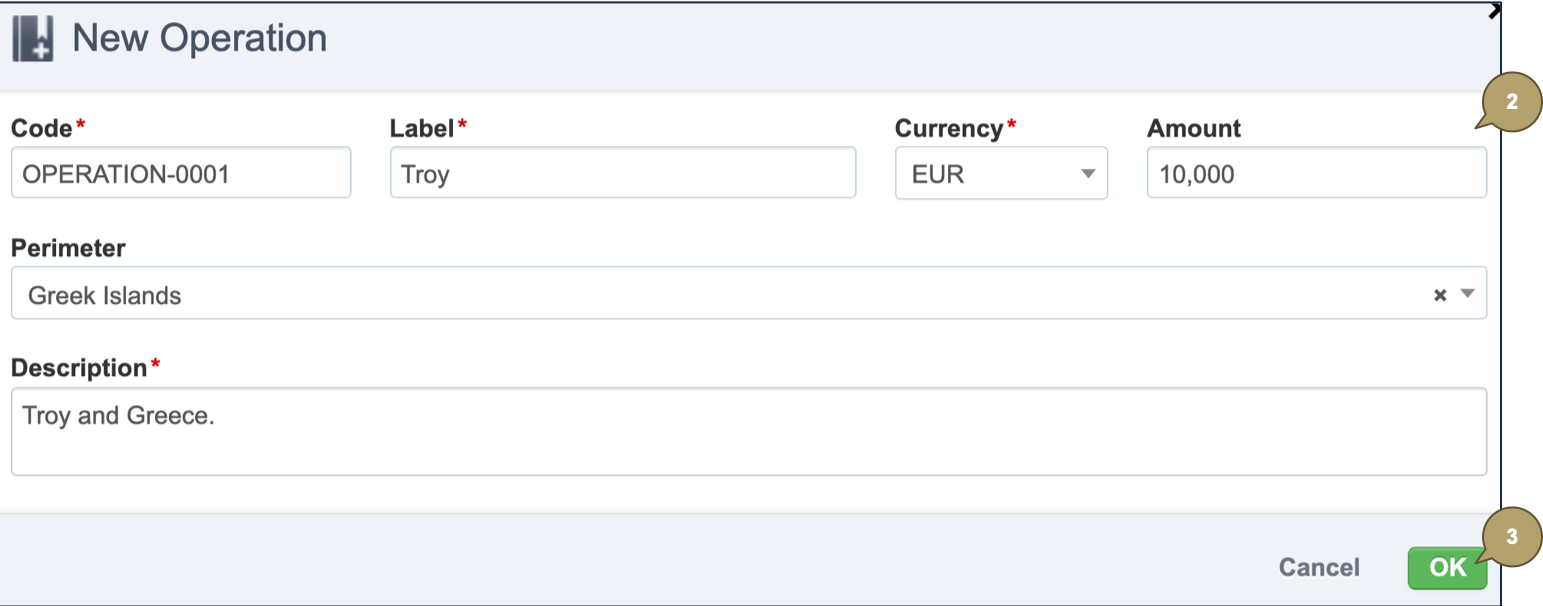
- Complete the form with all relevant details.
Note: Fields marked with an asterisk * are mandatory.
|
Field |
Description |
|---|---|
|
Code |
Operation code. |
|
Label |
Operation name. |
|
Currency |
Operation currency. |
|
Amount |
Operation amount. |
|
Perimeter |
Perimeter associated with the operation. |
|
Description |
Additional details about the perimeter. |
- Click OK.
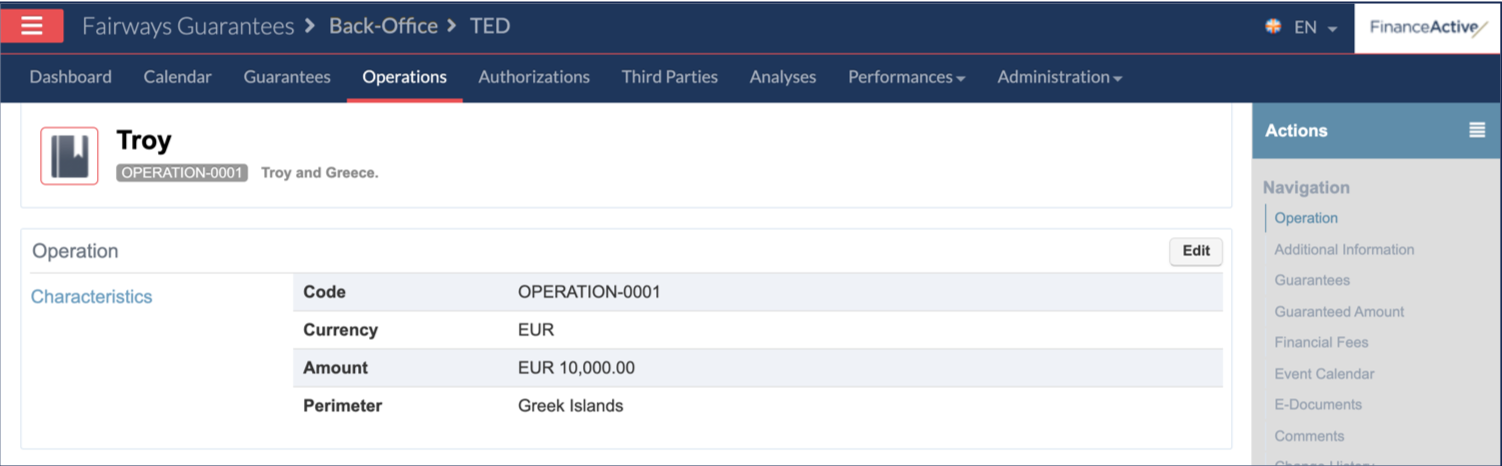
The new operation profile displays.