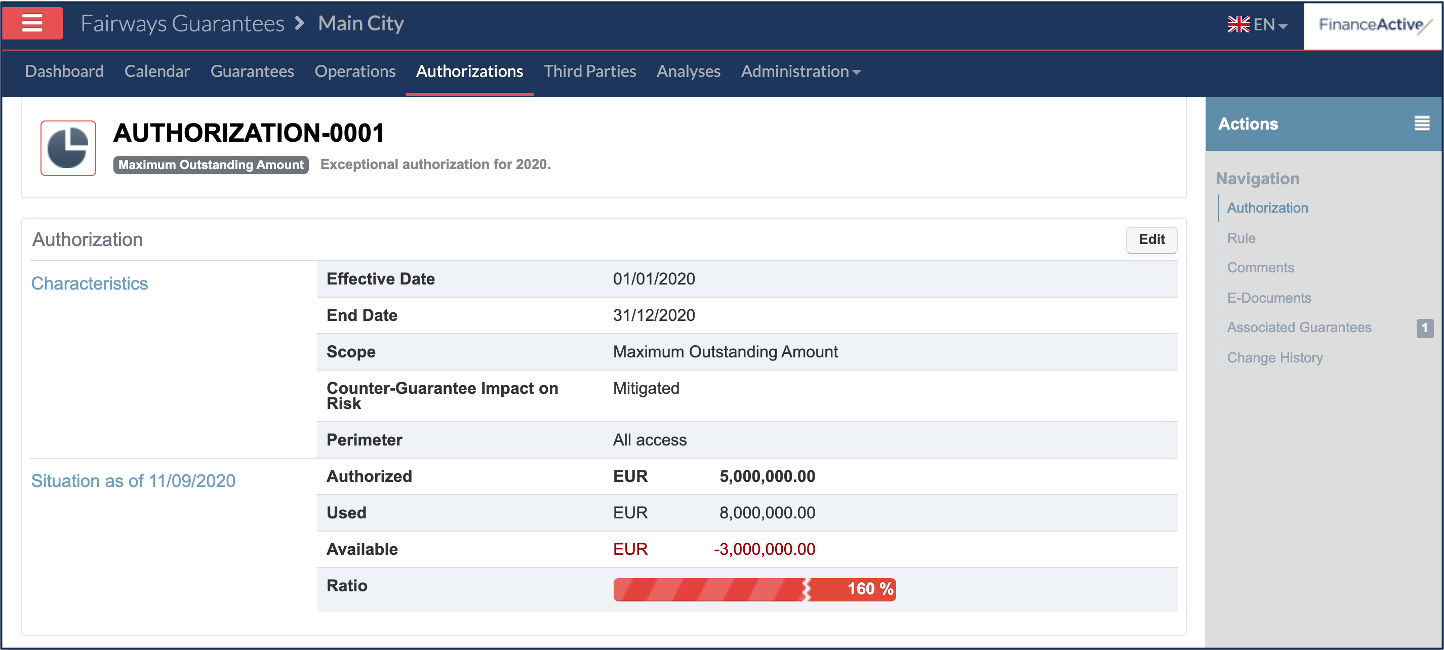
Authorizations in Fairways Guarantees help you to follow your outstanding amounts based on the amounts approved by your banking partners or for internal use.
Navigate to the Authorizations Section
- Log in to your Fairways Guarantees account.
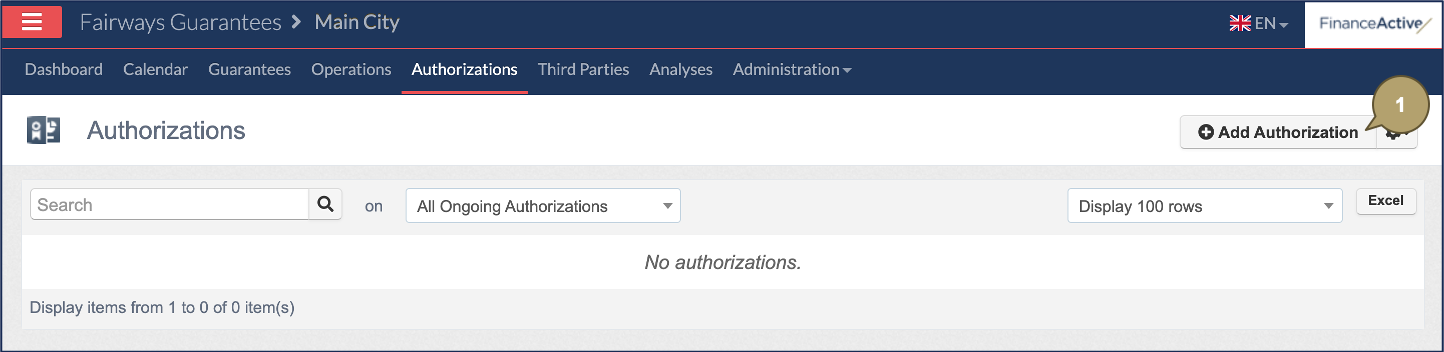
- Navigate to Authorizations.

Create an Authorization
- Click Add Authorization.
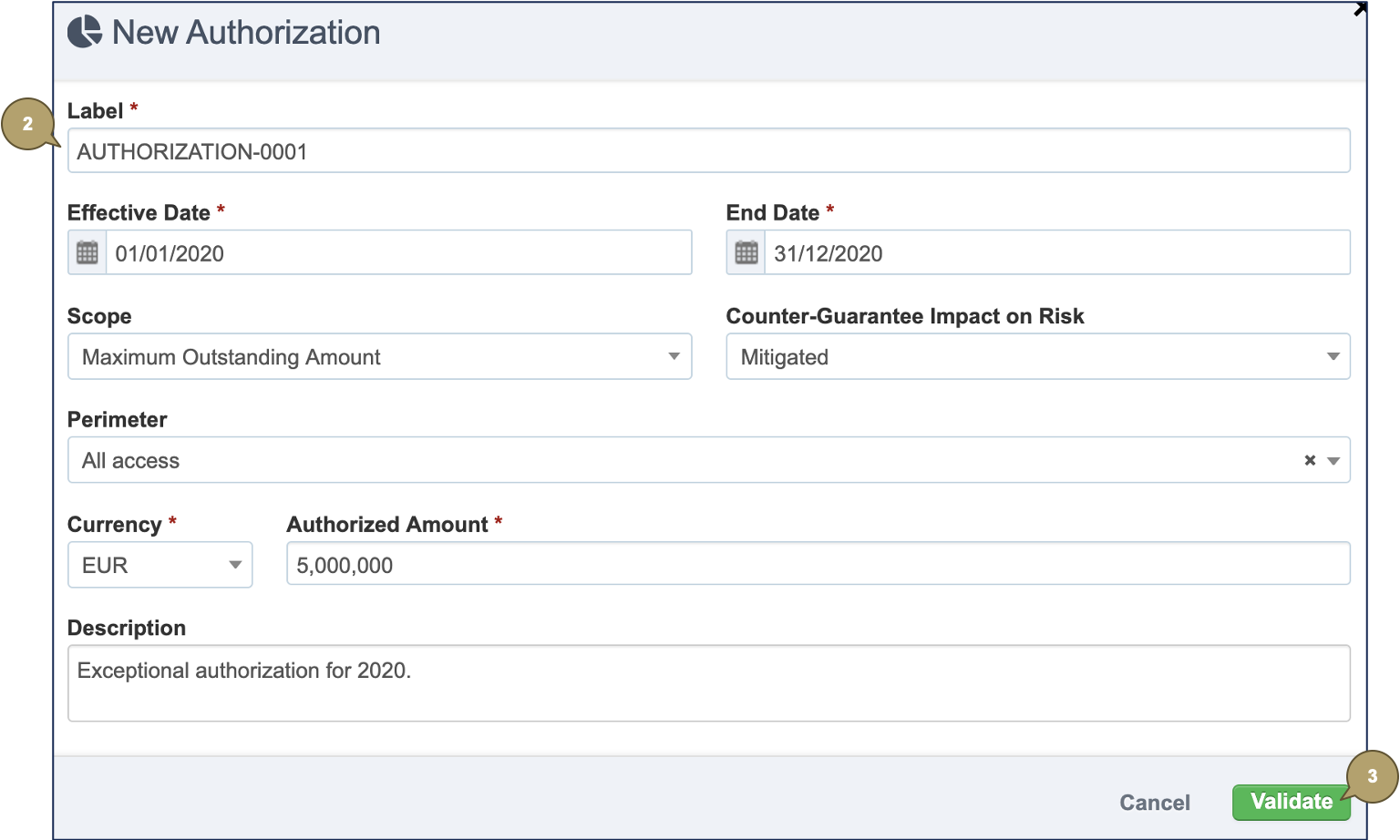
- Complete the form with all relevant details.
Note: Fields marked with an asterisk * are mandatory.
|
Field |
Description |
|---|---|
|
Label |
Authorization name. |
|
Effective Date |
Start date of the authorization period. |
|
End Date |
End date of the authorization period. |
|
Scope |
What guarantees the authorization takes into account:
|
|
Counter-Guarantee Impact on Risk |
How counter-guarantees impact the used amount:
|
|
Perimeter |
Perimeter covered in the authorization. |
|
Currency |
Currency of the authorized amount. |
|
Authorized Amount |
Amount of the authorization. |
|
Description |
Additional details about the authorization. |
- Click Validate.
The authorization profile displays.