Associate bank accounts with transactions in Fairways FX to monitor transfers and record your transaction history.
Prerequisite
Navigate to Portfolio
- Log in to your Fairways FX account and select an account, if relevant.

- Navigate to Portfolio.

Associate Bank Accounts with a Transaction
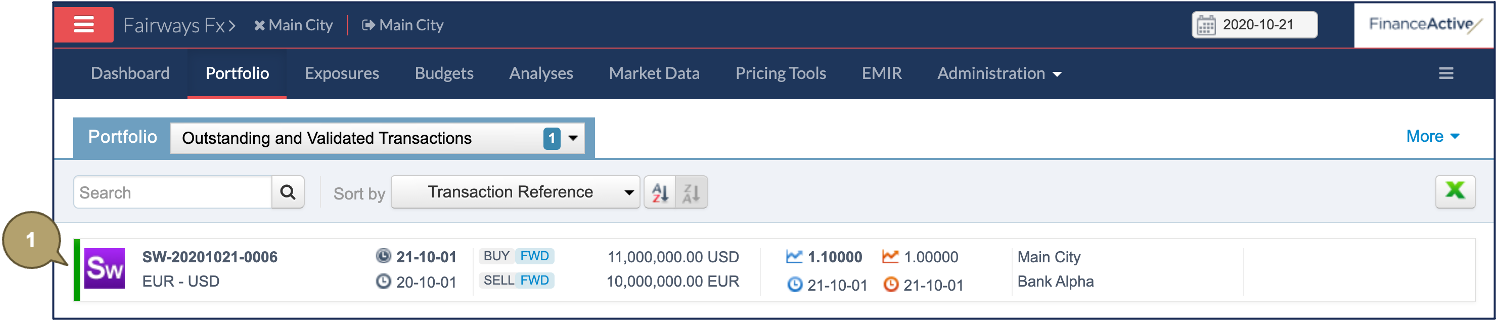
- Click the relevant transaction to open its profile.
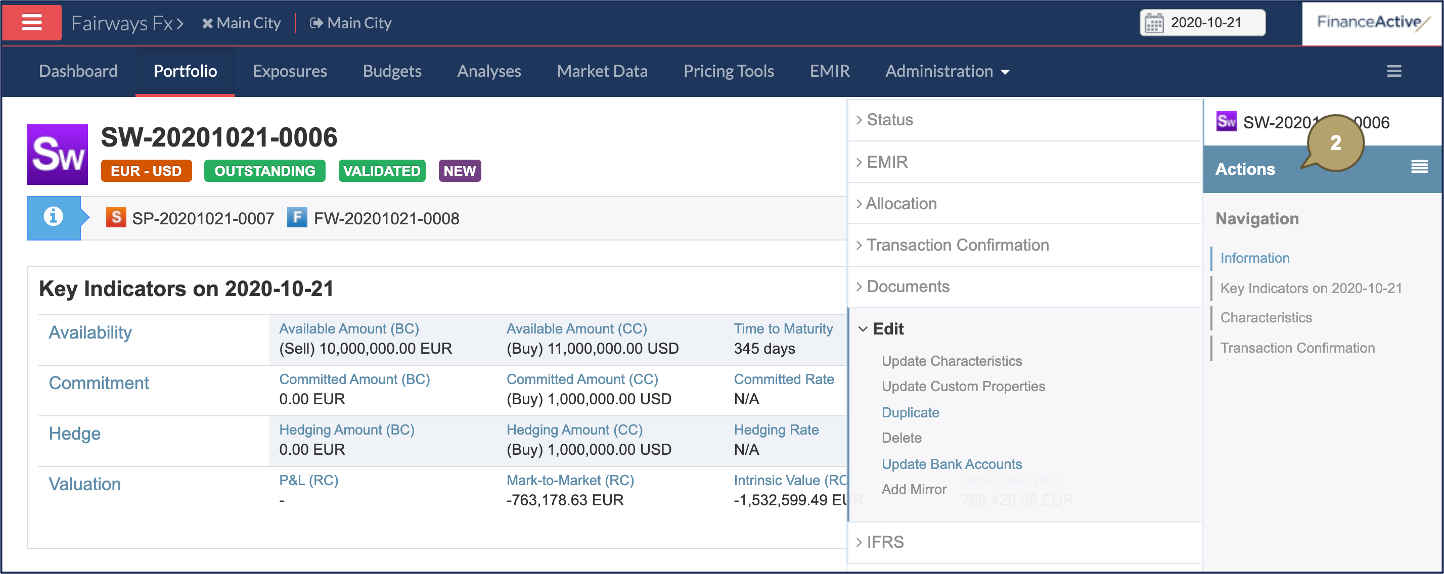
- Click Actions > Edit > Update Bank Accounts.
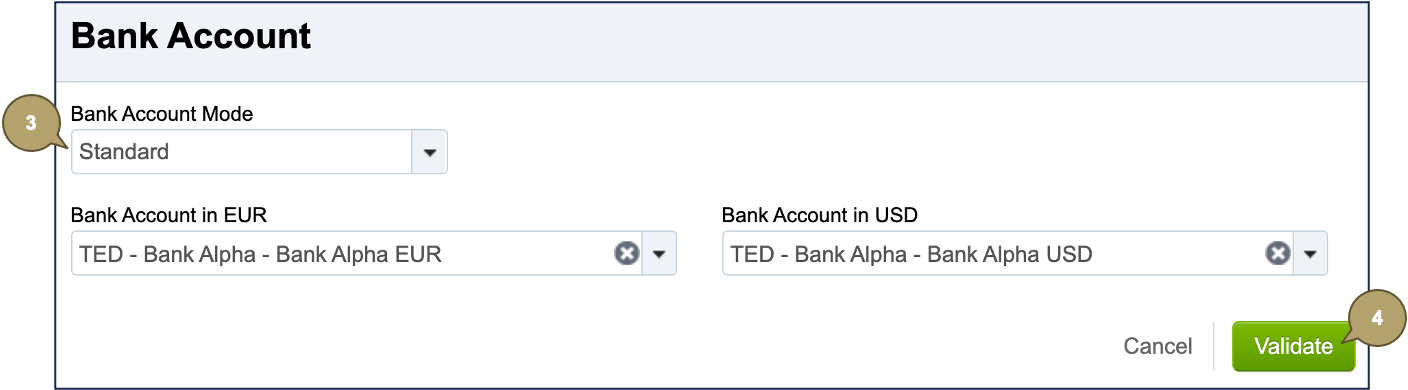
- Complete the form with all relevant details.
|
Field |
Description |
|---|---|
|
Bank Account Mode |
Note: This field is only available for swaps. The standard mode automatically applies to all the other transactions. Select the count of bank accounts to associate:
|
| Bank Account in [Base Currency] |
Note: Only bank accounts matching the party, the counterparty, and the currency of the transaction display. Bank account to associate in the base currency. |
|
Bank Account in [Consolidation Currency] |
Note: Only bank accounts matching the party, the counterparty, and the currency of the transaction display. Bank account to associate in the consolidation currency. |
- Click Validate.
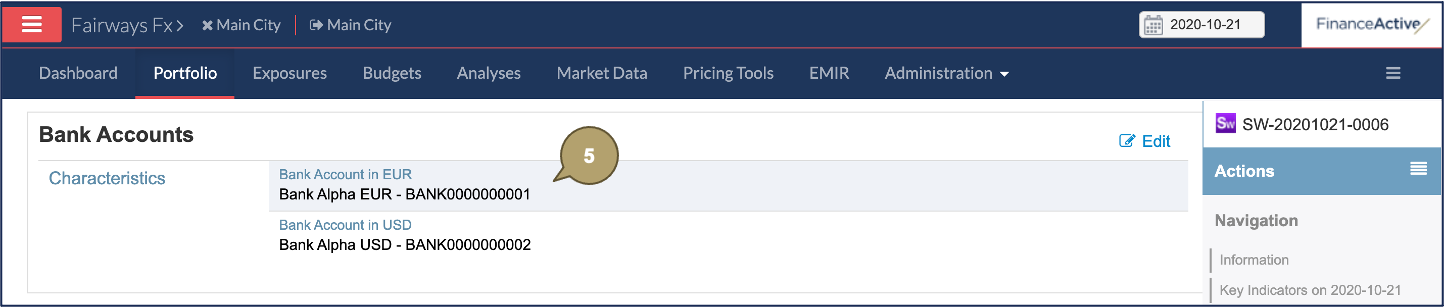
The selected bank accounts are associated with the transaction.
- Click a bank account to open its profile.
The associated transaction displays in the bank account profile.
