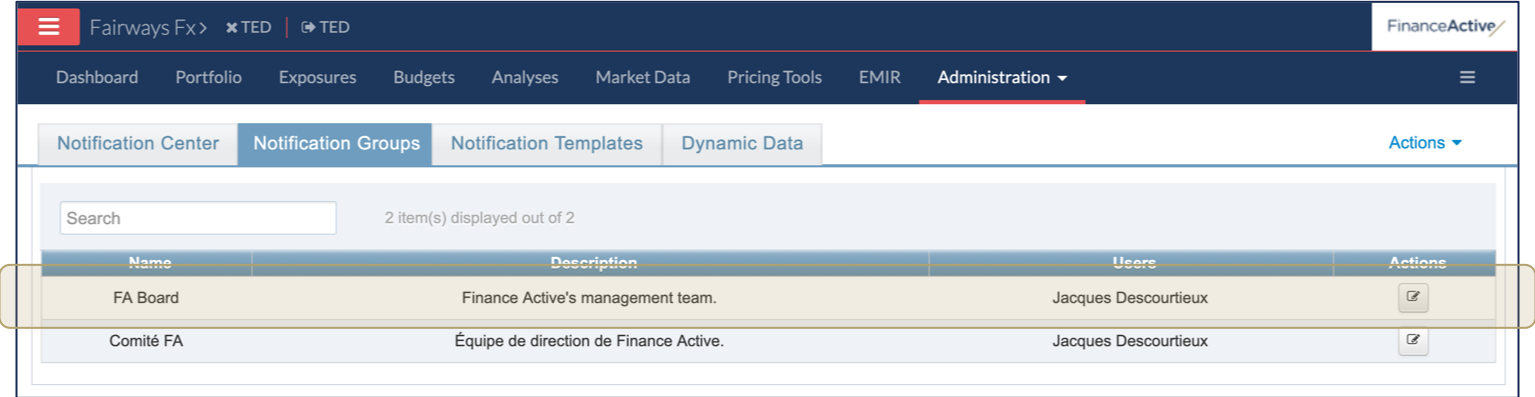
Fairways Fx enables you to send email notifications through exposures and risks. Create notification groups to group users and define which groups get what notifications.
Note: A user can belong to multiple groups.
Navigate to Notification Center
- Log in to your Fairways Fx account.
- Select an account.

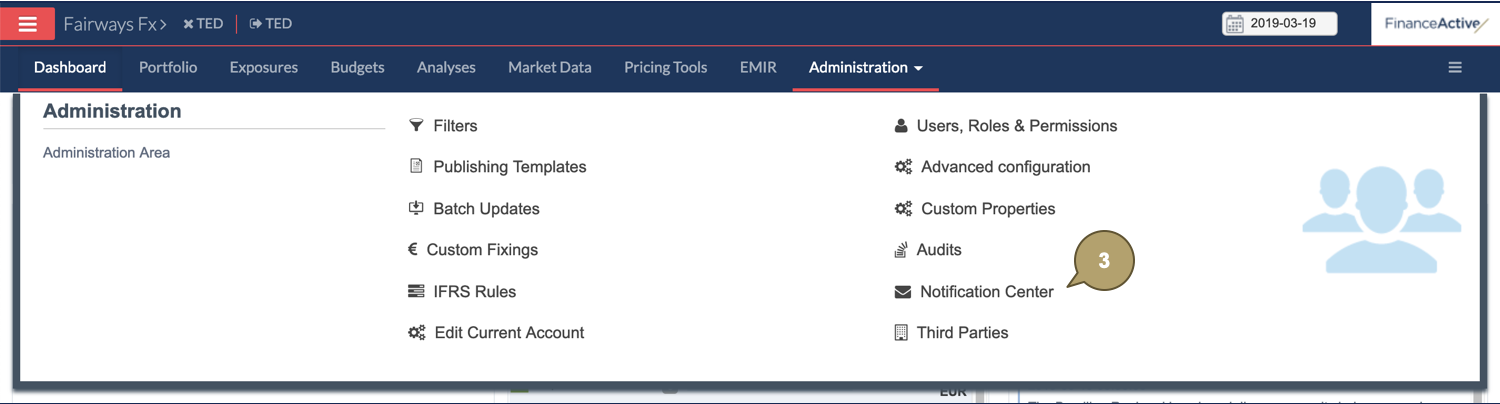
- Navigate to Administration > Notification Center.
Create a Notification Group
- Click Actions > Create Group.

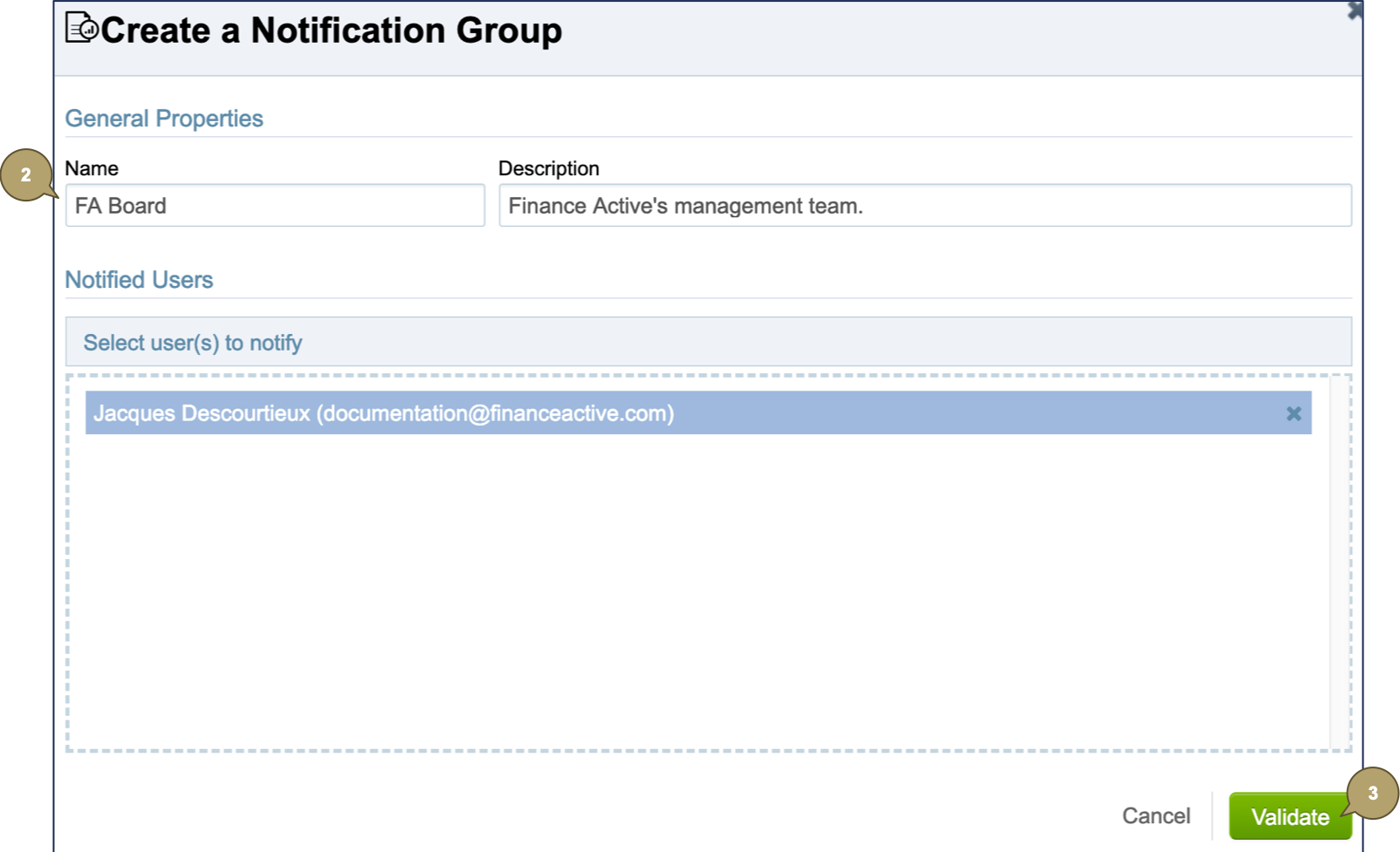
- Complete the form with all relevant details.
| Field | Description |
|---|---|
| Name | Group name. |
| Description | Additional details about the group. |
| Group Users | Users belonging to the group. |
- Click Validate.
The new notification group displays in the list.