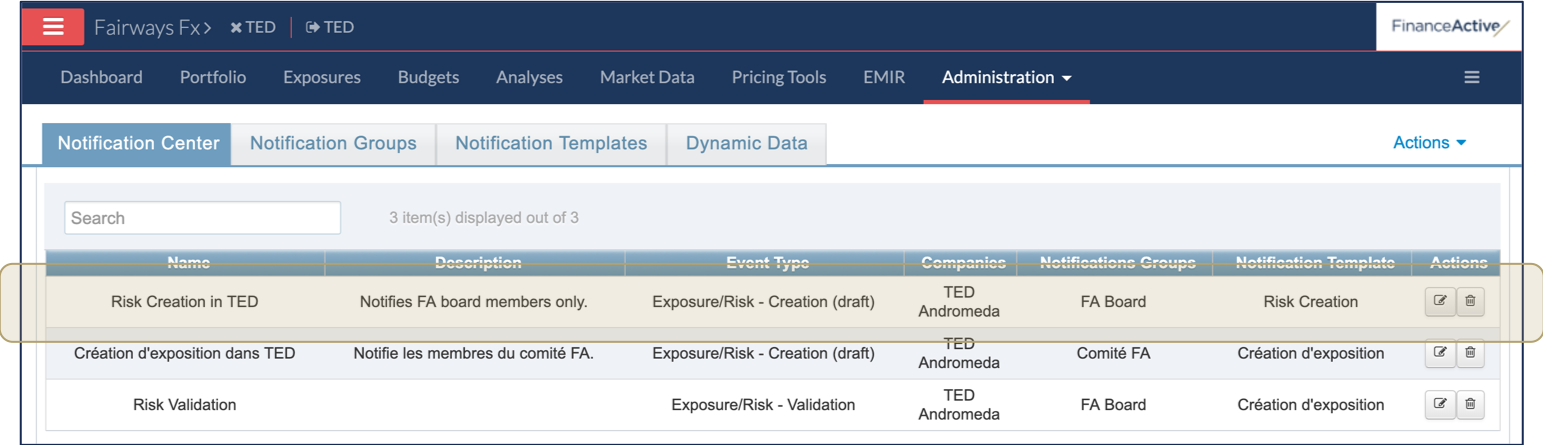
Fairways Fx enables you to send email notifications through exposures and risks. Create a notification event to define what event triggers a notification, who gets that notification and how the notification looks like.
Prerequisites
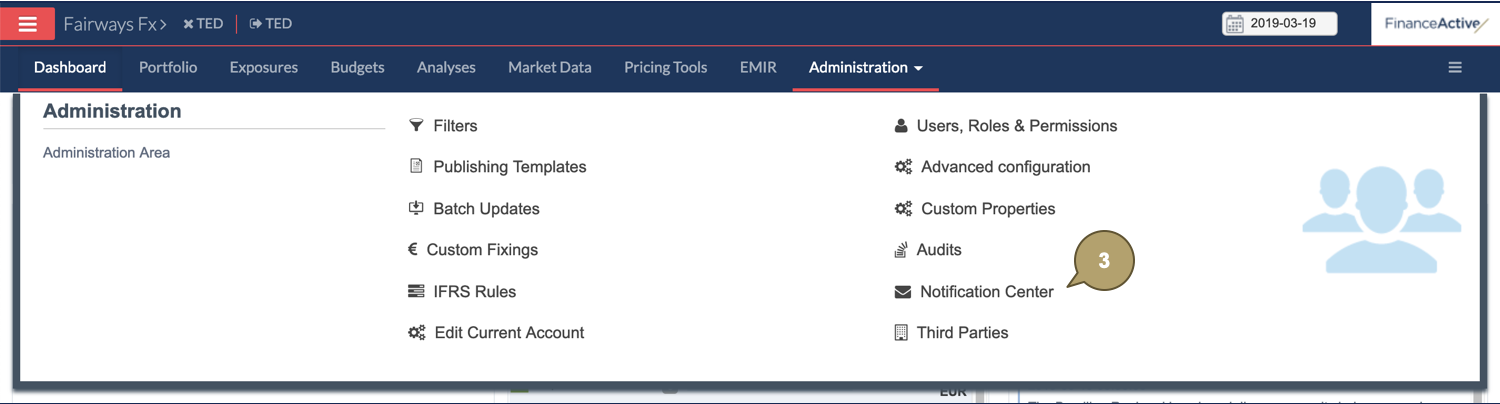
Navigate to Notification Center
- Log in to your Fairways Fx account.
- Select an account.

- Navigate to Administration > Notification Center.
Create a Notification Event
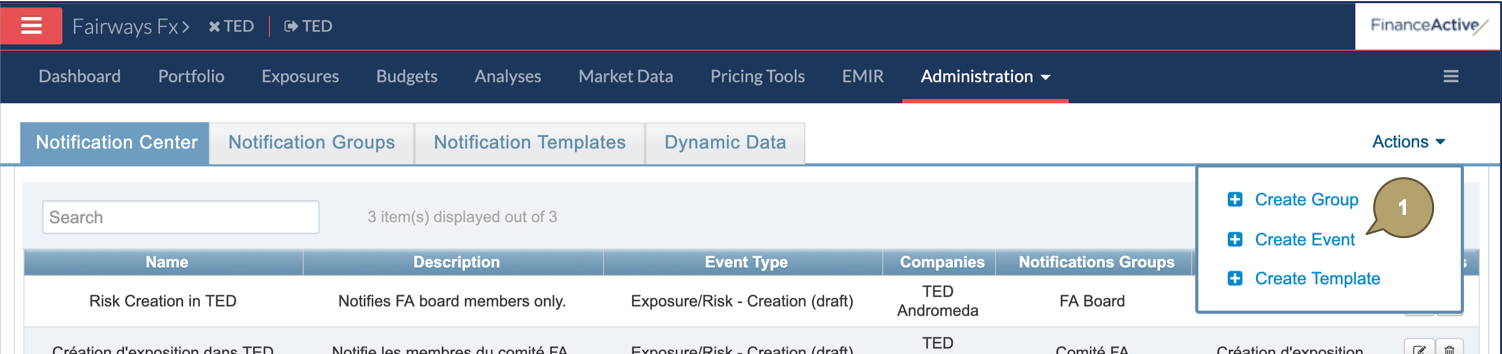
- Click Actions > Create Event.
- Complete the form with all relevant details.
| Field | Description |
|---|---|
| Name | Event name. |
| Description | Additional details about the event. |
| Event Trigger Type | Event triggering the notification. |
| Parties Associated with the Event | Parties associated with the event, enabling the notification. |
| Template Used for the Notifications | Template emailed to notify the event triggered. |
| User Group(s) to Notify | User groups receiving the email notifying the event triggered. |
- Click Validate.

The new notification event displays in the list.