A bond is a debt issued by a party to the market. It is evidenced by a note specifying: the principal amount, the interest rate, the repayment date, etc.
In terms of schedule and interest computation, a bond is similar to a standard loan.
In Fairways Debt, the bond counterparty is a generic counterparty called MARKET.
Prerequisite
- Enable the Bond transaction type (contact your Finance Active consultant)
Navigate to the Debt & Derivatives Application
- Log in to your Fairways Debt account.
- Select a customer account.
- Navigate to Applications > Debt & Derivatives.
Create a Bond
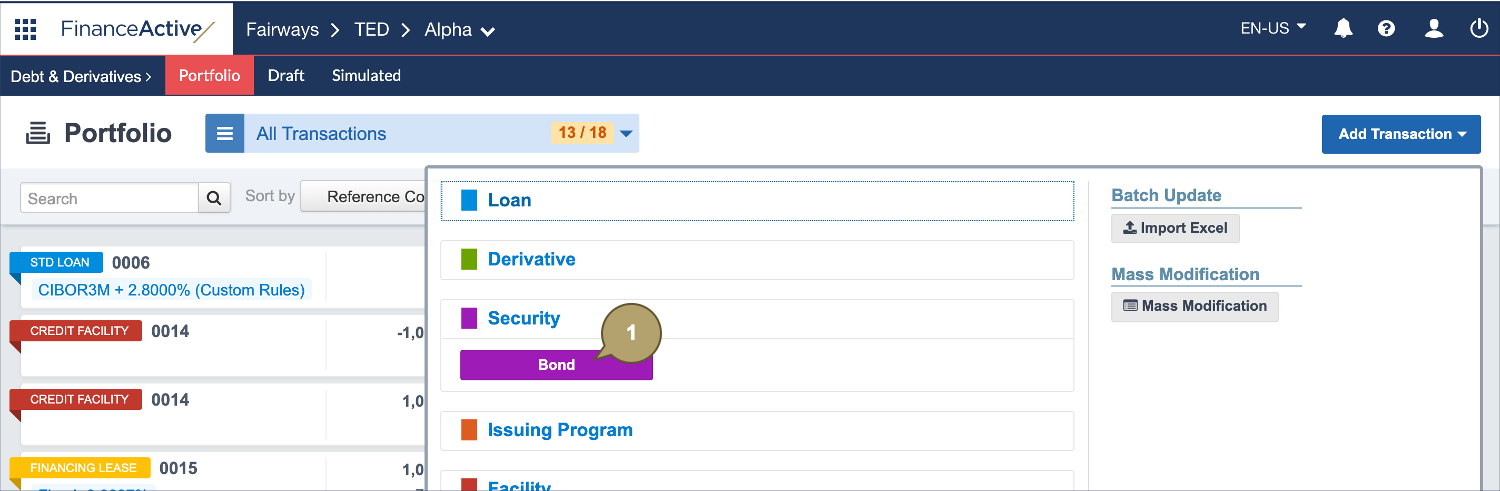
- Click Add Transaction > Security > Bond.
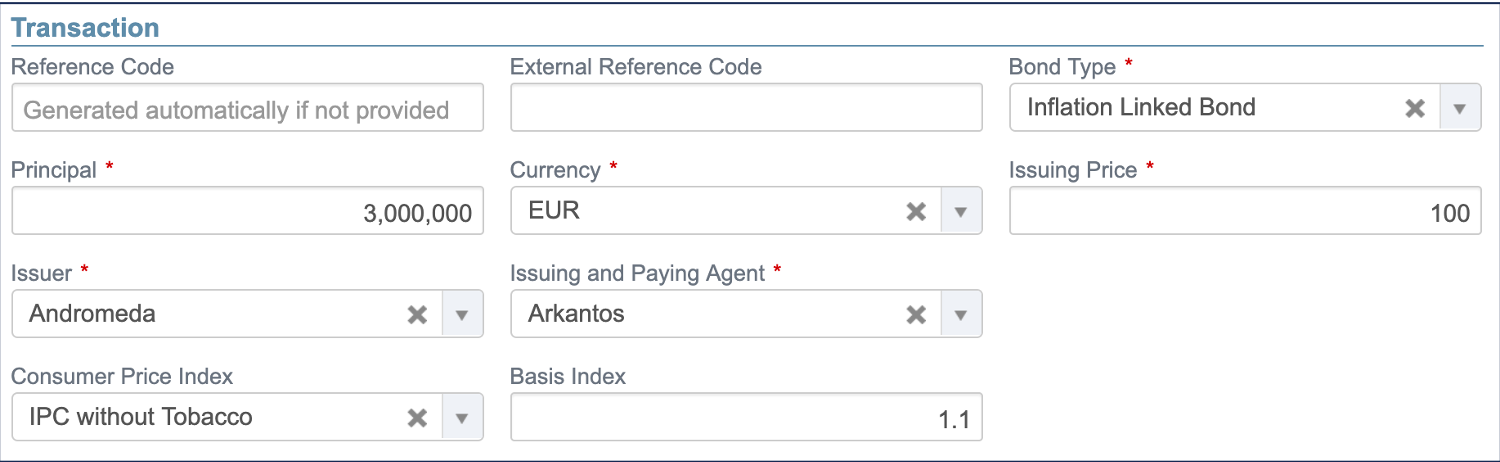
- Complete the form with all relevant details.
Note: Fields marked with an asterisk * are mandatory.
|
Field |
Description |
|---|---|
|
Reference Code |
Identifies the transaction in the portfolio. Note: The reference must be unique among all the entities managed in the account. |
|
External Reference Code |
Used by external systems to identify the transaction. Used when transactions are imported from or exported to another system. |
|
Bond Type |
Type of the bond. |
|
Principal |
Principal amount of the transaction. |
|
Currency |
Currency of the principal amount. |
|
Issuing Price |
Computes the initial bond premium. An issuing price of 100% means that there is no initial bond premium. |
|
Issuer |
Issuer entity in the system. |
|
Issuing and Paying Agent |
A third party, usually a commercial bank, which accepts the payments from the issuer and then distributes the related amount to the holders of the bond. |
|
Consumer Price Index |
Note: These fields are only available for inflation linked bonds. Measures the weighted average of prices of a basket of consumer goods and services. |
|
Basis Index |
|
Field |
Description |
|---|---|
|
Trade Date |
Date at which the transaction has been traded. From that date, the system takes the transaction into account as an item of the portfolio. |
|
Start Date |
Unadjusted start date of the transaction. |
|
End Date |
Unadjusted end date of the transaction. |
|
First Roll Date |
Unadjusted date of the first payment (useful when the first period is a long or short stub). |

|
Field |
Description |
|---|---|
|
Amortization Type |
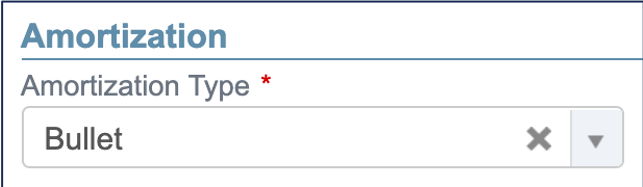
Amortization mode. |
|
Extended Constant Annuity Date |
Note: This field displays if extended constant annuities are selected as amortization type. Indicates the date until which constant annuities will be computed (a transaction with a maturity date corresponding to the extended constant annuity date would amortize to zero at this date). |
|
Field |
Description |
|---|---|
|
Index |
Name of the index used to calculate the rate value, e.g. FIXED for a fixed rate. Note: The field beside displays depending on the index selected. Only a fixed index can be defined if constant annuities or extended constant annuities are selected as the amortization type. |
|
Interest Rate |
Fixed rate value in percentage. Note: This field displays depending on the index selected. |
|
Initial Interest Rate |
Initial rate of the custom index. Note: This field displays depending on the index selected. |
|
Spread |
Spread (or margin) value in percentage. Note: This field displays depending on the index selected. |
|
Day Count Convention |
Used to compute the day fraction of an interest accrual period. |
|
Capitalized Interest |
Defines whether the interest amount should be paid at the payment date, or added to the principal (and included in the outstanding balance for the following periods). |

|
Field |
Description |
|---|---|
|
Frequency |
Frequency of the payments. |
|
Adjustment mode for the interest calculation. The nominal start and end dates of the accrual period will be adjusted accordingly before computing the interest amount. |
|
|
Adjustment mode for the payment date. |
|
|
Last Stub Period |
Defines whether the last period should be a short or long stub when it does not match the selected frequency:
Note: If neither stub is selected, the short stub applies by default. |

Enter the required custom attributes, if any.
- Enable Show Details after Validation to automatically open the new transaction profile once created.
- Click Apply to create the bond.
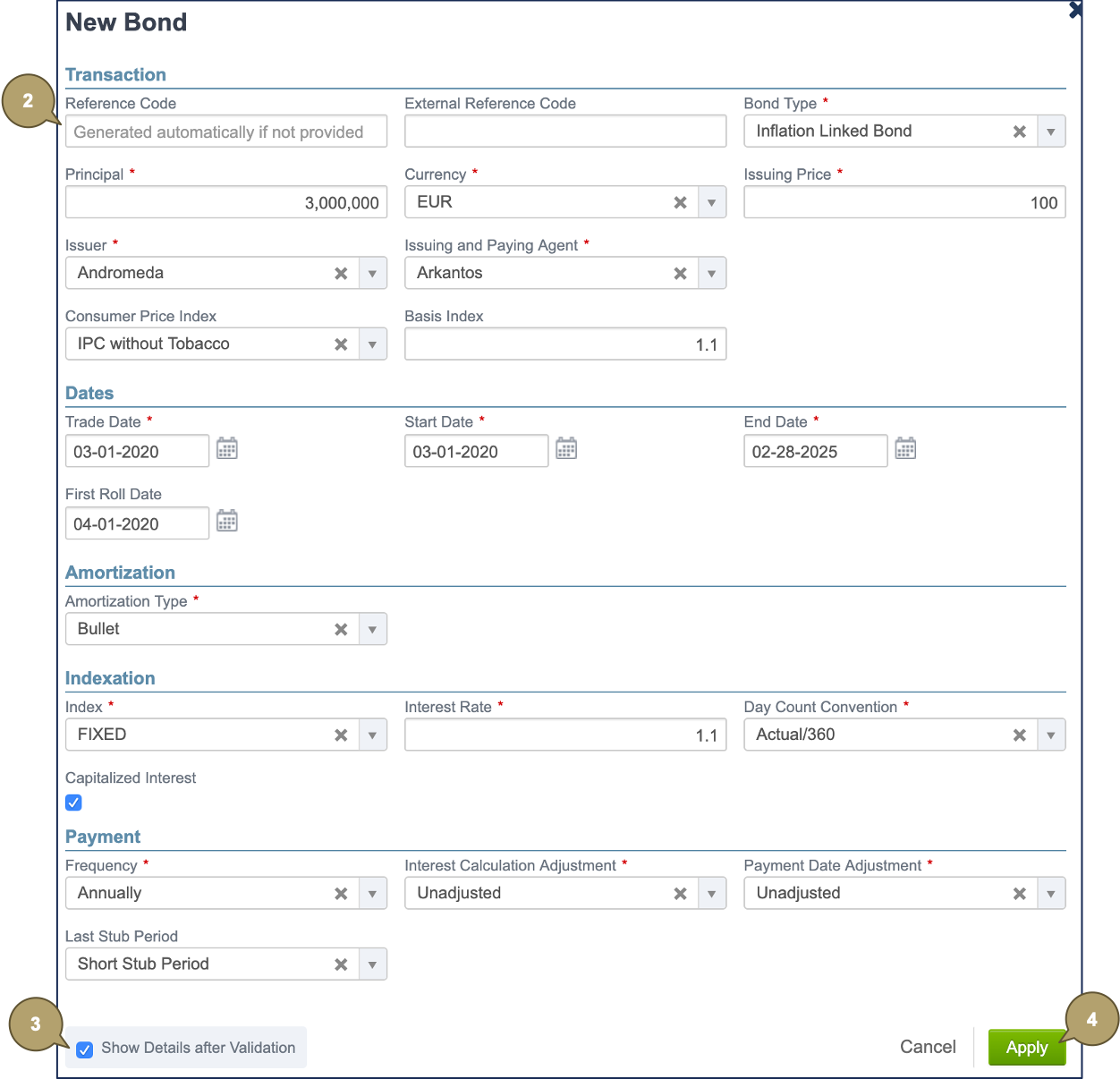
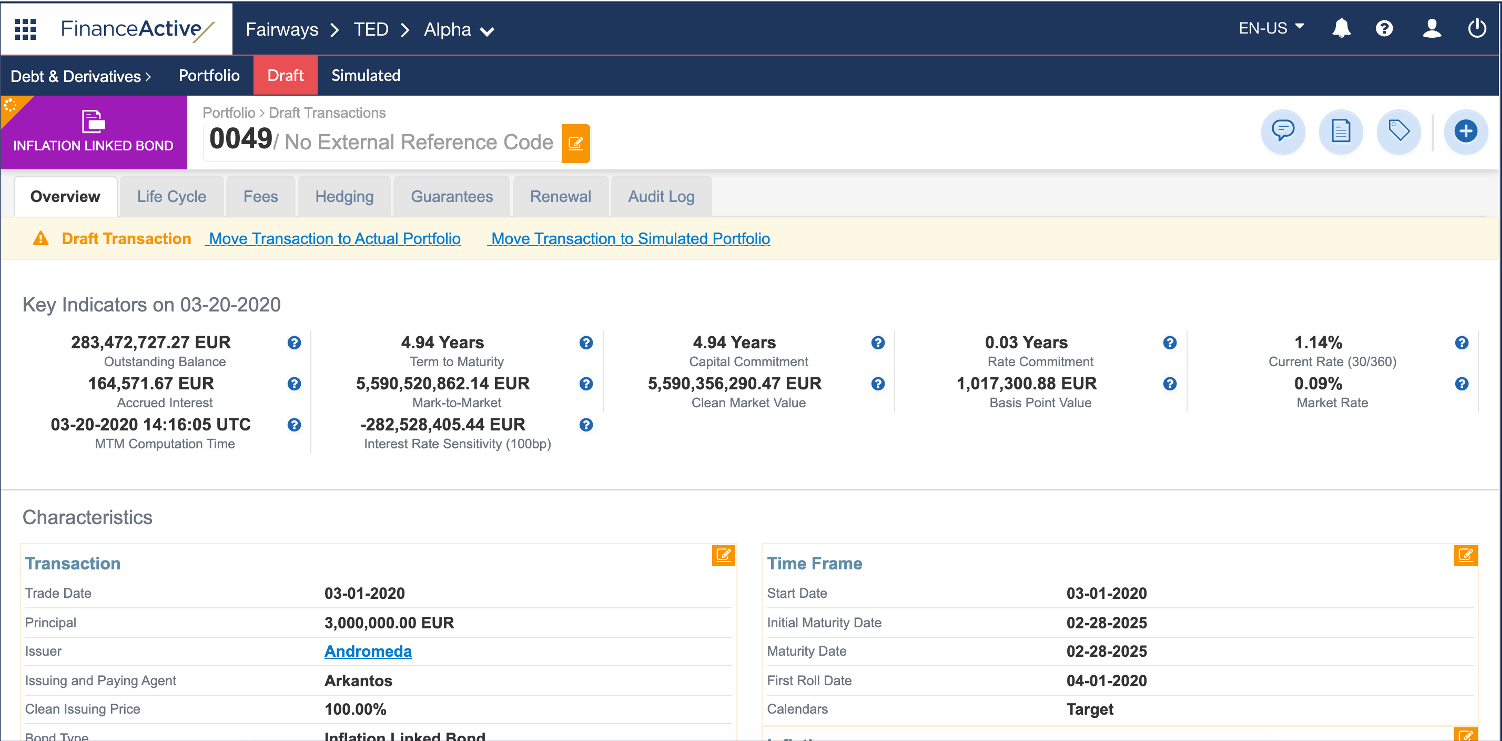
The new bond displays in the draft portfolio.
Adjustment
Adjustment modes define how the system rolls dates in case of holidays in the calendar.
|
Field |
Description |
|---|---|
|
Unadjusted |
Not rolled. |
|
Preceding |
Rolled to the previous business day. |
|
Following |
Rolled to the next business day. |
|
Modified Preceding |
Rolled to the previous business day, only if that day occurs in the same month. Otherwise, rolled to the next business day. |
|
Modified Following |
Rolled to the next business day, only if that day occurs in the same month. Otherwise, rolled to the previous business day. |
|
End of Month (unadjusted) |
Rolled to the last day of the month. |
|
End of Month (preceding) |
Rolled to the last day of the month, then adjusted to the previous business day. |
|
Modified Following (year) |
Rolled to the next business day, only if that day occurs in the same year. Otherwise, rolled to the previous business day. |